F-Droid. Quite interesting - an app store for open source applications for Android. So you don't have to constantly check yourself for news. Of course, some of the apps are also in the normal Google Play Store, but not every open source project wants to jump through Google's hoops.
Archive November 2012
The iDroid Project - Where it presently stands - 0xDEADFA11. On the topic of Android on iPad - it doesn't look good, iDroid was probably the most active project that wanted to provide a complete solution, but the status from July and the project status overview do not look like something will come soon. Too bad.
Ipad optimization - xSellize. I think I'll take a closer look at this - on my iPad 1, I now have the problem that apps constantly crash due to lack of memory (e.g. the official Twitter client). Based on experiences with other systems with Flash, the swap to Flash shouldn't be too bad in terms of performance - and if the battery consumption is also kept within limits, it might be a temporary solution. Even though it annoys me that you can only use your system with jailbreak and system hacks after such a short time. Ideally, someone would port Android to the old iPads ...
ActiveAndroid | Active record style SQLite persistence for Android. Hmm, let's take a look - another ORM for Android, but one with quite interesting syntax. The source also promises a few more things like e.g. Joins. If migrations are also reasonably implemented (this is often lacking), the project could definitely motivate me to switch my little tinkering project.
Official Website | FreeBASIC Programming Language. Just stumbled upon it (don't ask), a free Basic compiler that is oriented towards QuickBasic.
The ElfData Plugin. For future use, more efficient string classes and structures than the standard ones in RealBasic. And basic structures for parsers and tokenizers. Eventually, I want to build my own Markdown processor for my Desktopwiki instead of constantly calling external tools.
Pumpkin Soup
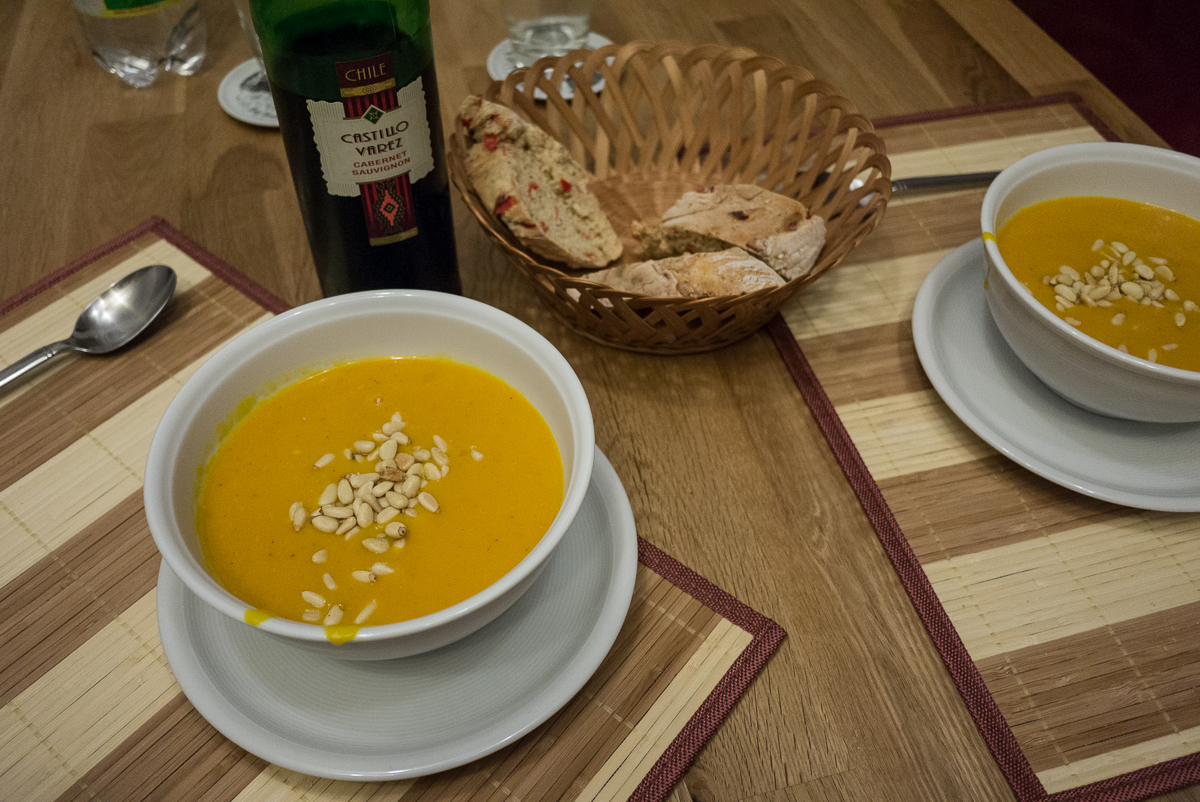
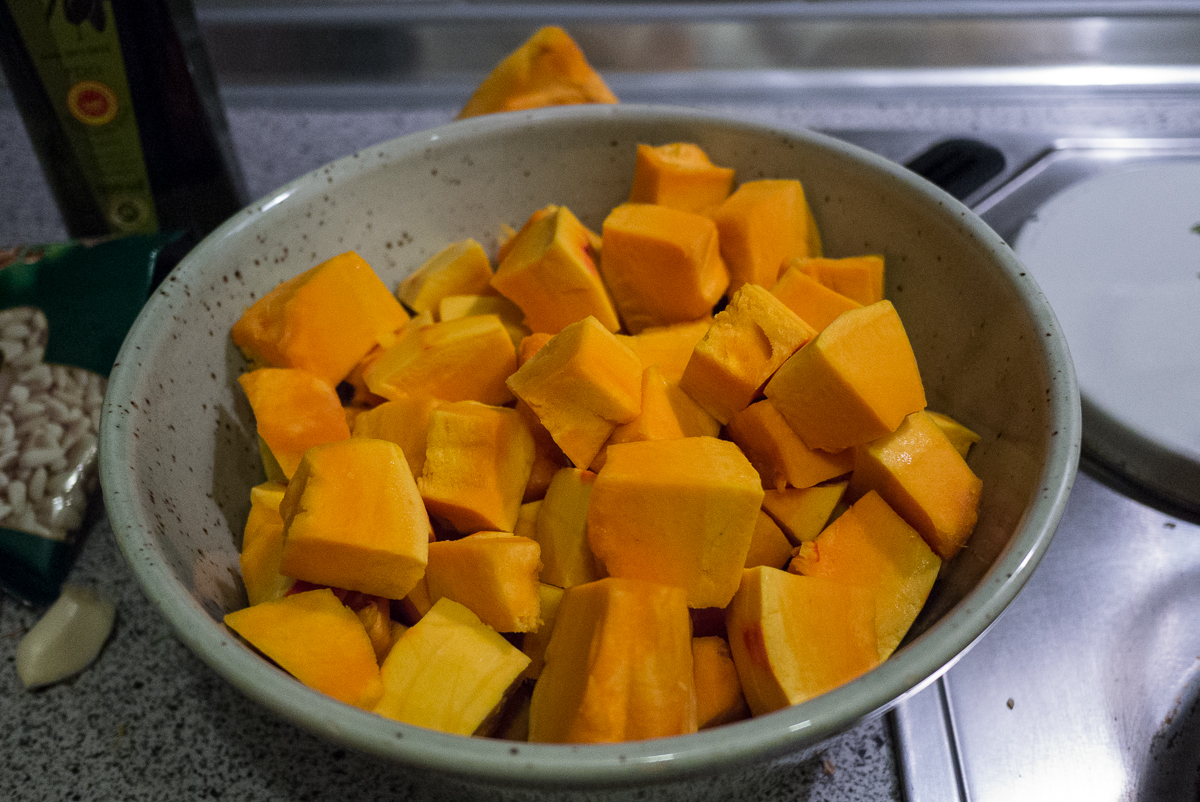
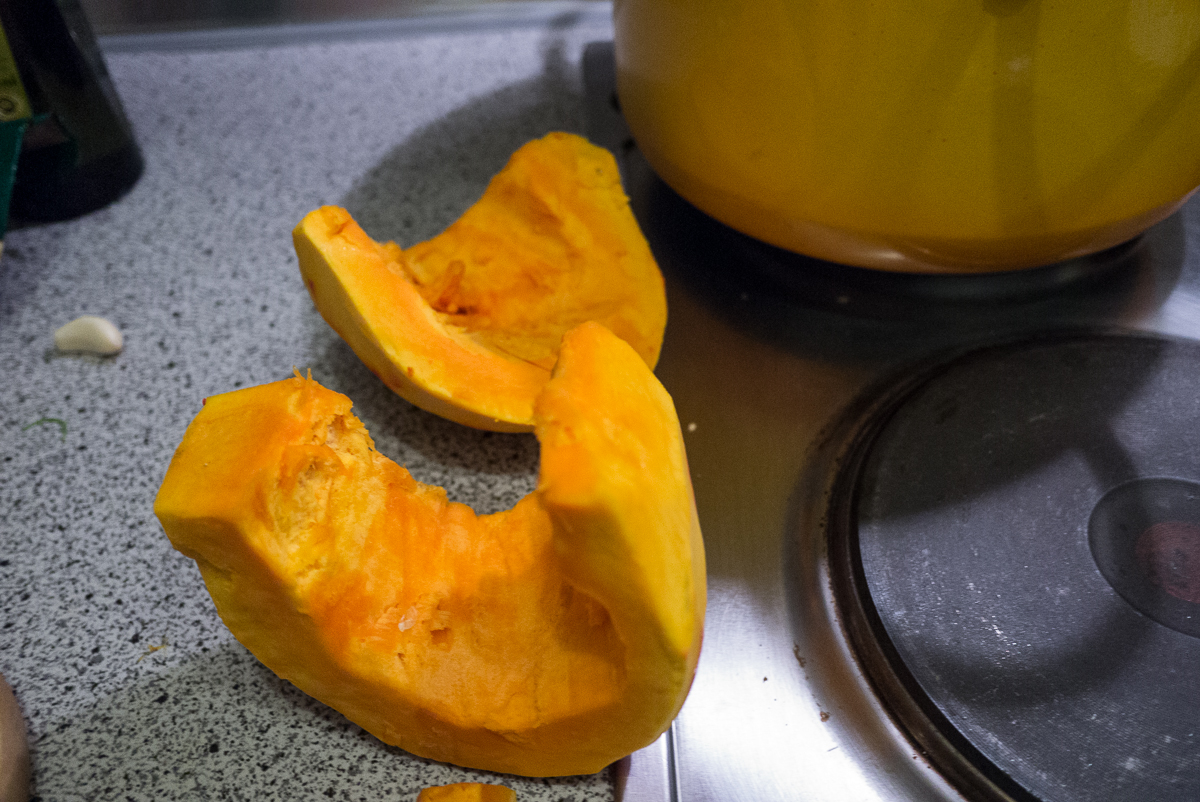
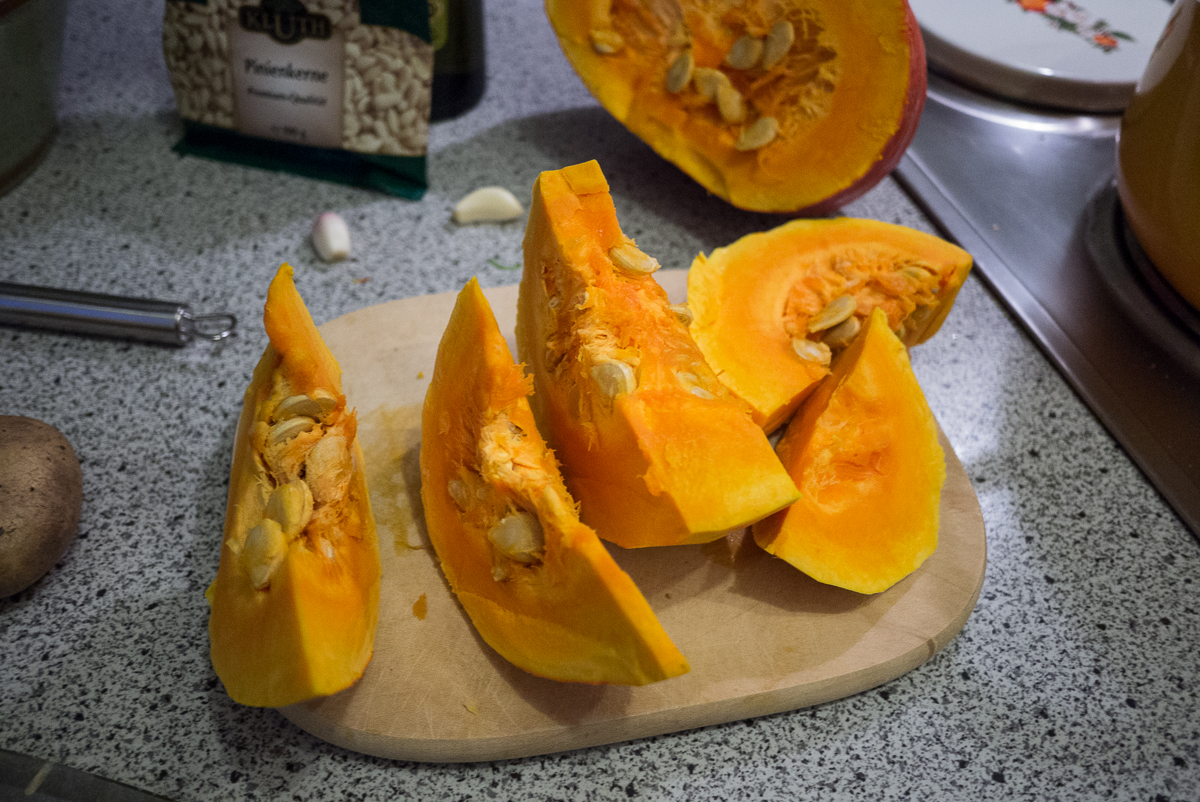
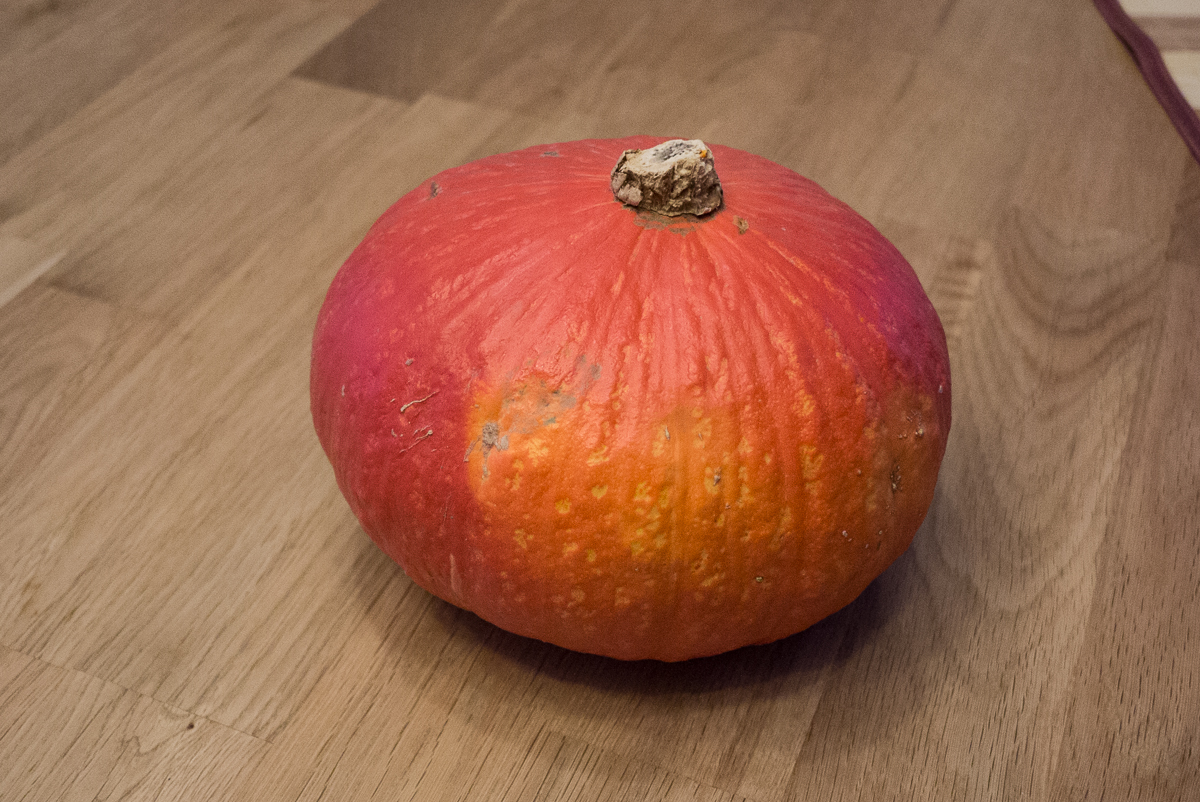
Somehow we came up with the idea for pumpkin. Pumpkin - that fits the season. And why not make a proper pumpkin soup? So off to the market to get what we needed (especially the pumpkin) and off we went. What goes in:
- a small Hokkaido pumpkin. Ok, in our case it was 3/4 of a small one, so with medium-sized pumpkins probably about half will suffice. Ours weighed about 1.6 kg.
- 3-4 potatoes
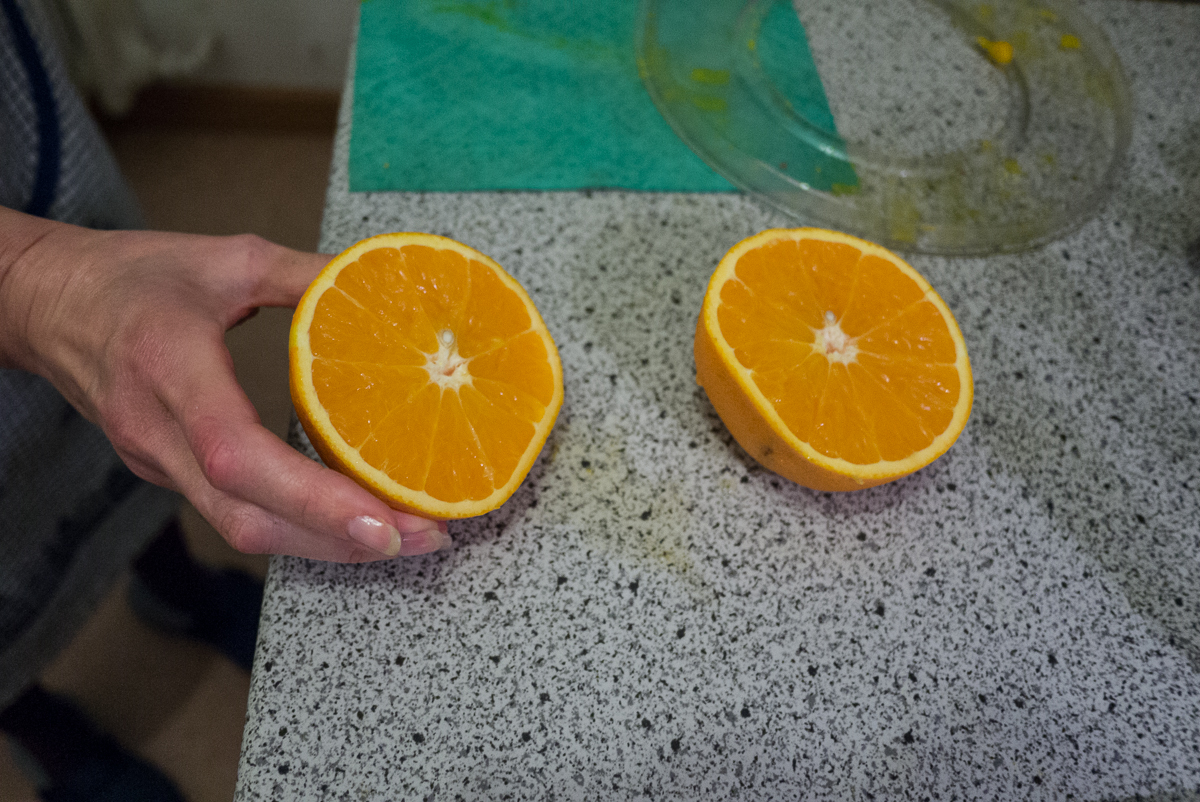
- half an orange (squeeze out the juice, that goes in)
- cooking cream
- 2-3 cloves of garlic
- olive oil to sauté the pumpkin
- 1 liter of vegetable broth
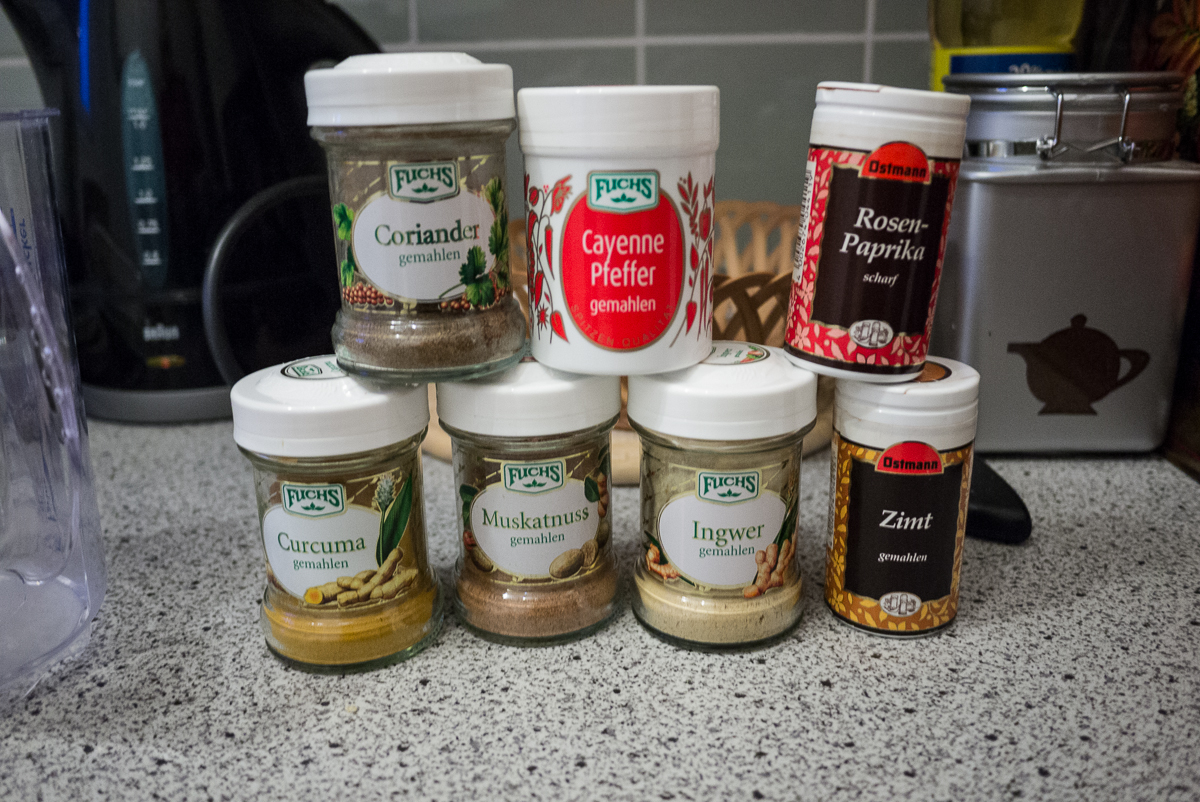
- spices (ginger, coriander, cayenne pepper, hot paprika powder, nutmeg, cinnamon, the turmeric from the picture was not used)
- pine nuts (toasted later over the soup)
The most labor-intensive part of the whole dish was butchering the pumpkin. They are hard! That's work! Nevertheless, you have to get through it. This was the procedure:
- cut the pumpkin into columns. Caution, this is really work, they are hard. I also peeled the pumpkin. Yes, I know, with Hokkaido you can eat the skin. But you can - you don't have to. And with a vegetable peeler it goes quickly.
- then empty the columns - remove all the core.
- then cut the columns into cubes
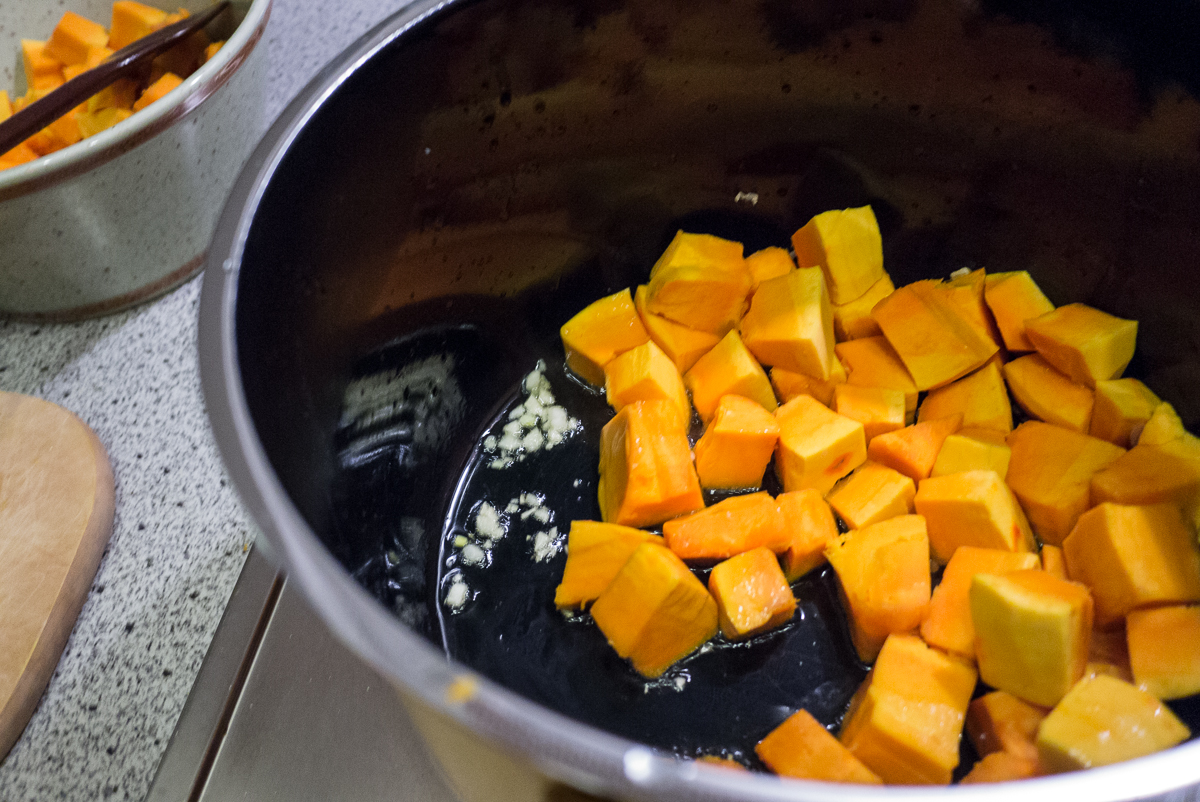
- sauté the cubes with garlic together in oil
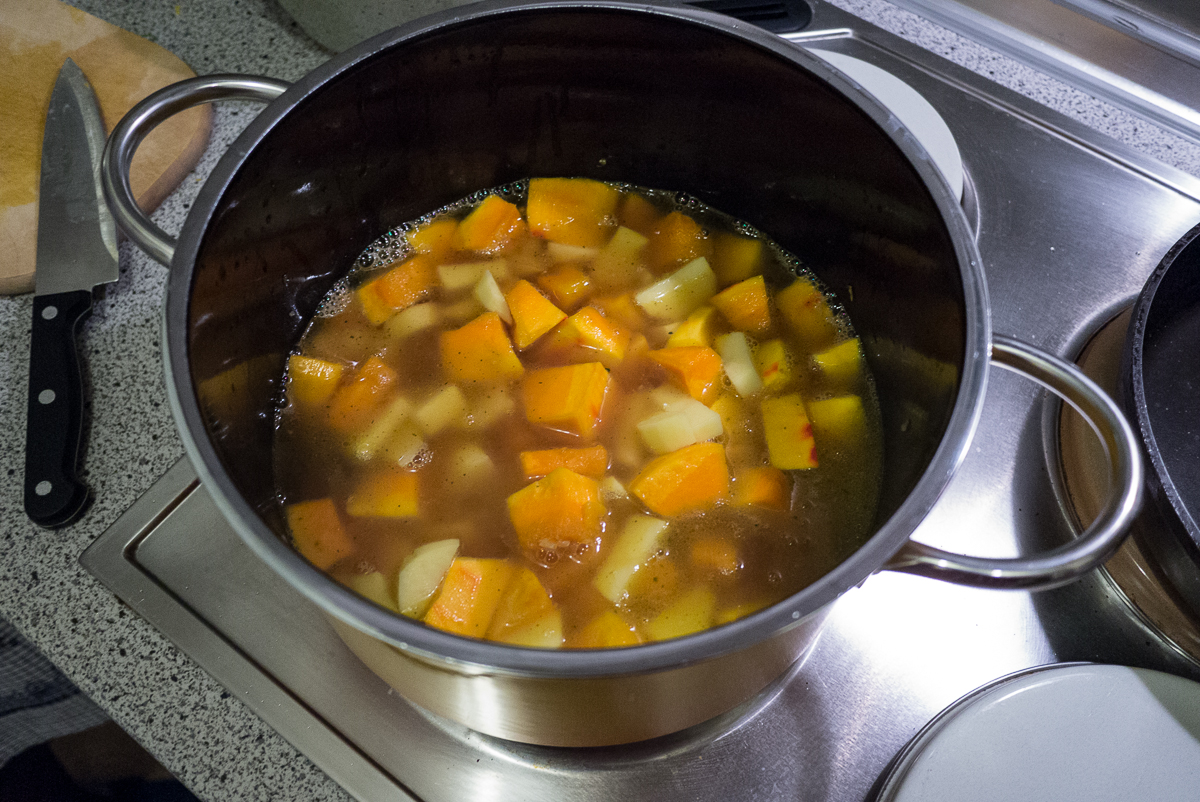
- cook potatoes in cubes together with the pumpkin and the vegetable broth (20-25 minutes)
- blend the whole thing with the hand blender.
- add the first round of spices (generous amount of ginger and coriander, be a bit careful with hot paprika and cayenne pepper, of course pepper and salt and a little cinnamon) and stir in
- stir in the cooking cream and the orange juice
- add nutmeg and stir in and let it simmer lightly
- toast pine nuts in the pan, when the pine nuts are done, the soup is also ready
We had a delicious French country bread with paprika and wine spritzer to go with it. It was absolutely delicious, the whole thing! By the way, the quantity was rather for 4 people, we like to cook a little more than just for one meal when it comes to soup.
Cloud Storage Programming Interface - Store everything. This looks quite interesting - a C# library for accessing various cloud storage. It also supports Dropbox and, most importantly, it supports Mono for Android and MonoTouch, which I could use as a basis to rewrite my small Android project in C# for testing.
F# and MonoGame on the Mac. If you want to build games on the Mac, you have an interesting option with MonoGames. This is a reimplementation of the Microsoft XNA APIs. So basically, it's just the continuation of Mono into the gaming area. Pretty cool stuff - and because a cool thing alone isn't enough, the linked article provides the whole thing with integration in F#, the functional language for .NET from Microsoft. Unfortunately, for iOS, MonoTouch and for Android, MonoDroid are required, which means there is a slight hurdle to overcome in terms of acquisition (the licenses are not exactly cheap, so maybe not quite the knockout for hobbyists).
git-annex. Definitely worth a look or two. In principle, it's something like a manually operated Dropbox - you can link folders with other folders and define sync relationships. But you can also define redundancies, ensuring that there are enough copies of files - if you delete a file, you get a warning if it was the last copy (and it is restored). Many commands for efficient management of various scenarios are added, and there are various backends for the data - for example, you can integrate Amazon S3 and include it as a backup repository with suitable means, or reference URLs from the web and make files always reconstructable (with this you can also integrate your own file server with an http interface). Or even use something like Google Mail as a backend and store your data in file attachments. Or use all the means of git to exclude temporary results of synchronizations, for example. Unlike Sparkleshare - which is also based on git - only the metadata is versioned in git here, not the files themselves. This of course has the disadvantage that file changes cannot be undone via it - for this you would need a versioning backend such as bup, which is then used as a data backup with versioning and definition of backup cycles. The advantage of the git-annex method, however, is that the data does not grow as gigantic as with Sparkleshare if you want to sync large files such as videos or digital images - only at the defined backup interface would the versions occur and you can explicitly determine which data goes there. Not for mouse pushers, but great for command line fetishists.