Recently on Flickr
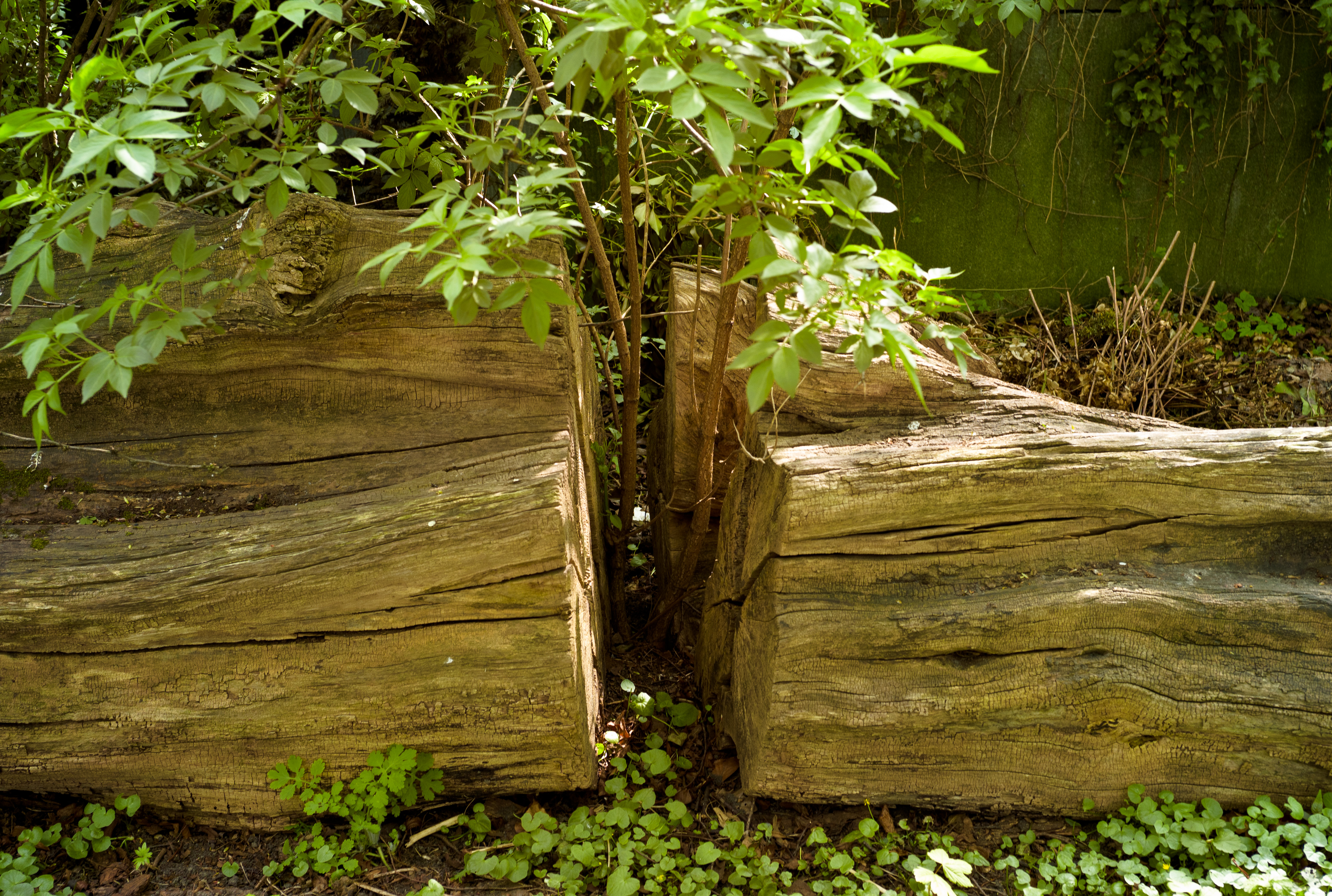
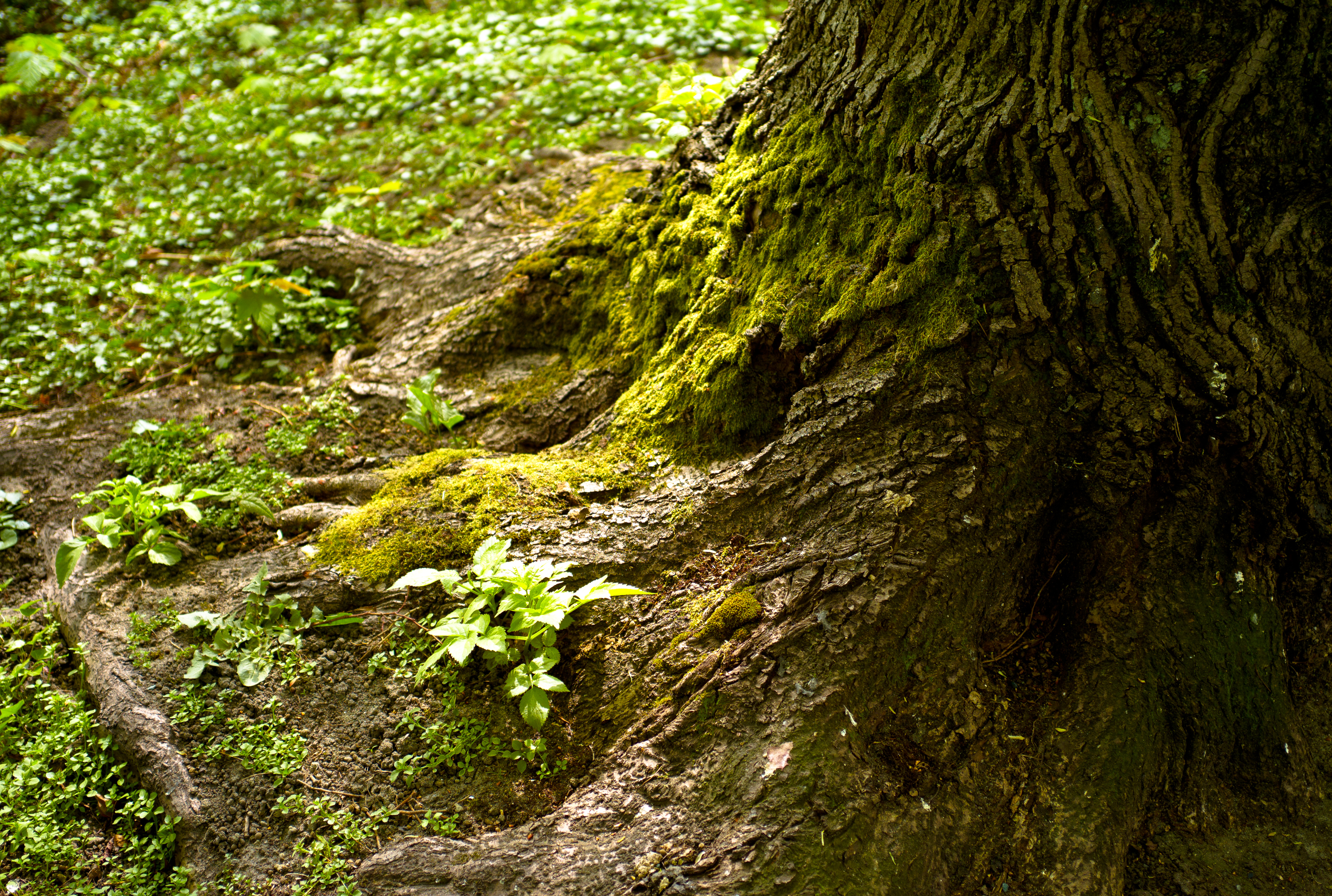
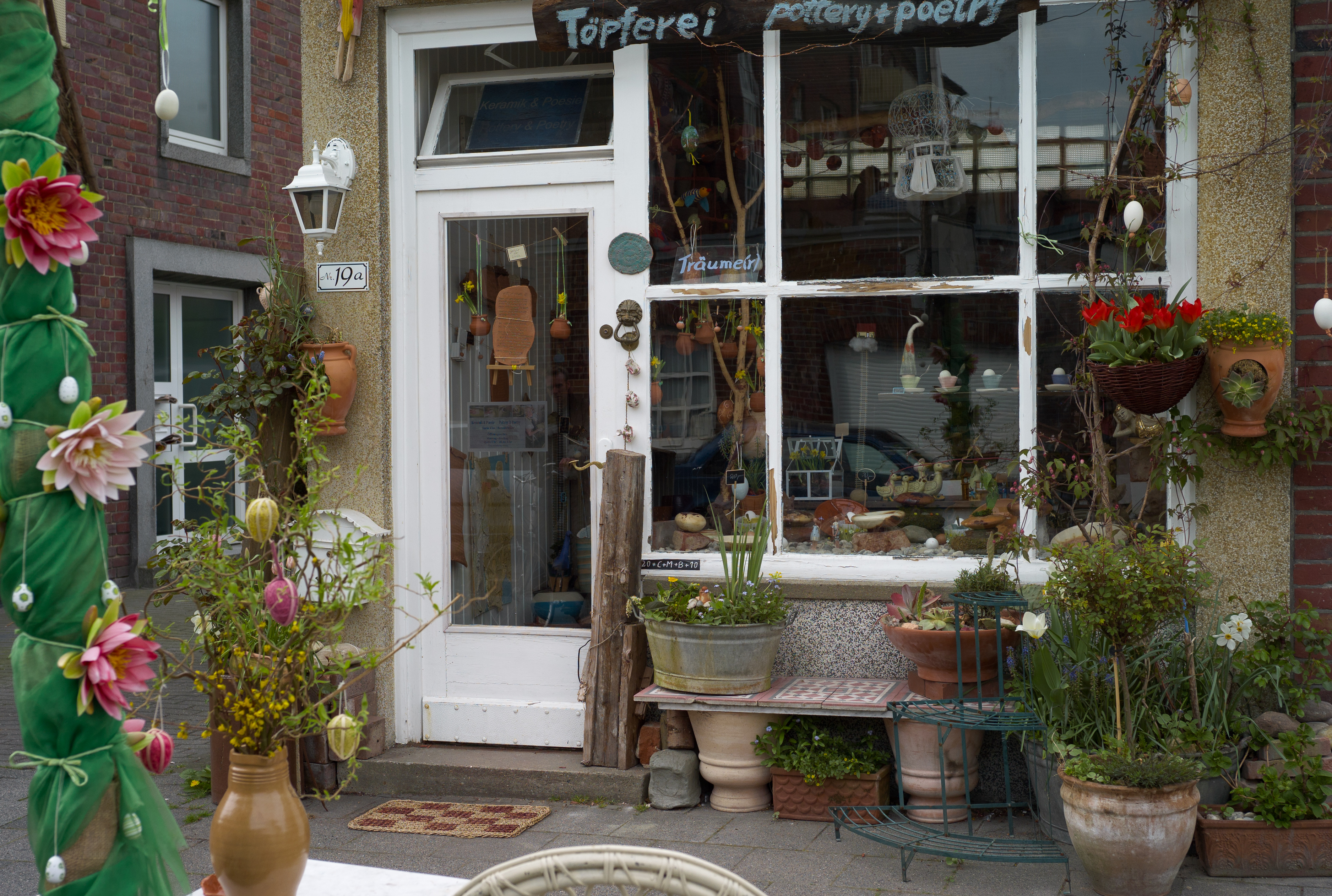

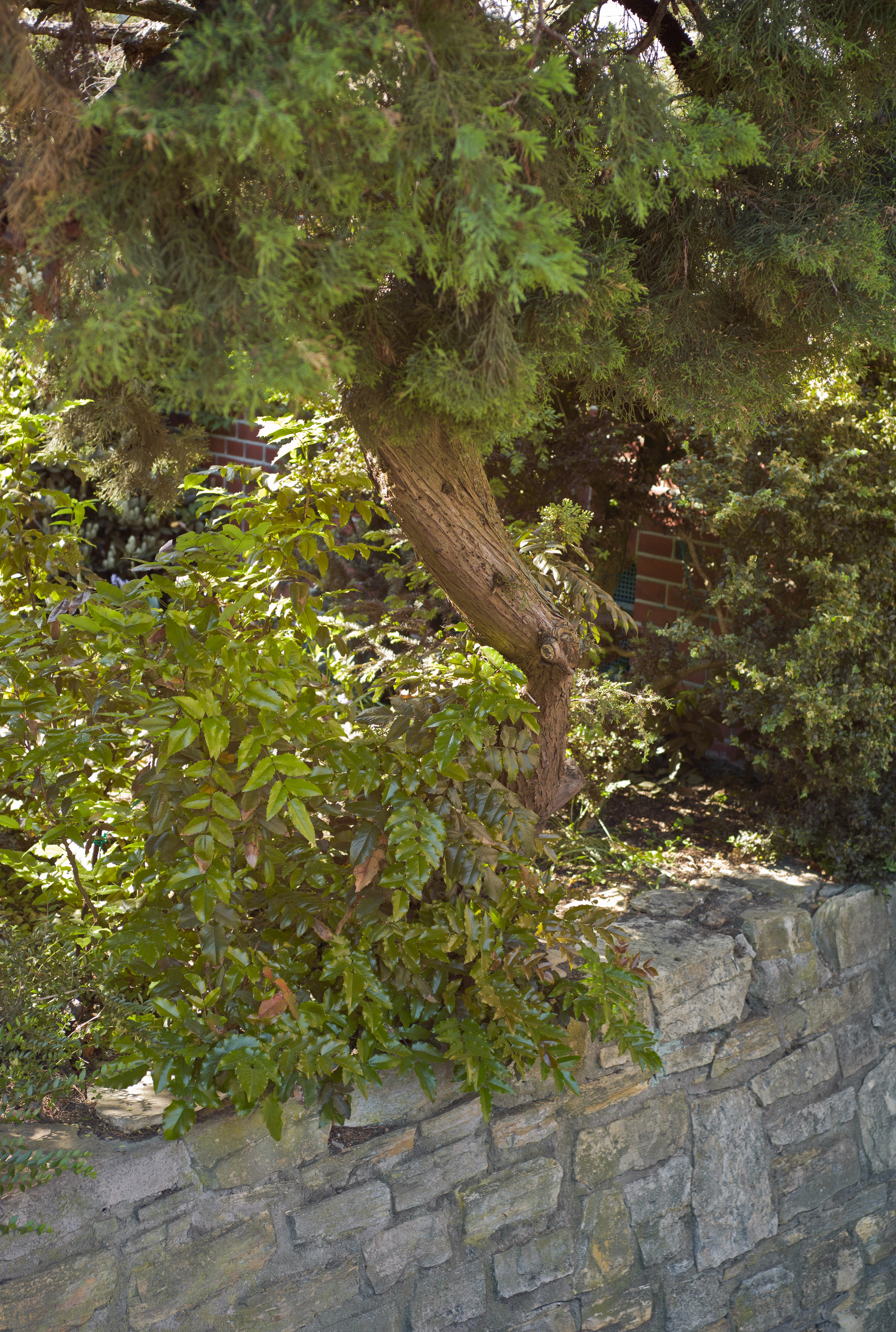
I have uploaded new pictures to Flickr. Here they are - unsorted and uncommented.
I have uploaded new pictures to Flickr. Here they are - unsorted and uncommented.
Home - Redline Smalltalk - Smalltalk for the Java Virtual Machine.. Not very far yet, but could become interesting at some point - and as an old Smalltalk fan, I naturally have to make a blog mark here.
Comics by Nick St. John. That's what it says. Just take a look. Simply and simply drawn, but in a peculiar way appealing to me (especially "How I Came to Work at the Wendy's").
Download Adobe Lens Profile Creator Preview - Adobe Labs. At the bottom of the page are download links. Once the mentioned Profile Creator, with which you can create your own profiles for cameras and lenses. But almost even more interesting is a Profile Downloader - with this you can download profiles from other Lightroom users. This can be useful if there is no profile from Adobe for your own combination yet. I also need to check if there is already a profile for the Zeiss C-Biogon (although it hardly needs one, it behaves so kindly when used).
Geotagging: Fotospot makes digital cameras GPS-capable. Rube Goldberg Geotagging. Honestly, people, if you actually need to carry around a local WLAN with a server to geotag your photos, then it doesn't matter if the server is shoved into the hot shoe of your camera - that's just silly. Just buy a camera that has on-board geotagging. Or a simple tip: with the iPhone and the built-in camera app (because of the metadata) just take a photo at every location, and then later transfer the geodata from these images to the others - there's already finished software for various systems that does this.
Serious PSN hack: Personal customer data copied. Now it's out why PSN was offline for so long (not that it affected me particularly - I don't have a PlayStation - but the silence around the downtime was quite strange).
Photosmith – The Grand Tour | Photosmith – the iPad mobile companion for Adobe Lightroom. Hmm - interesting approach. An app that syncs with Lightroom via a plugin and makes capturing metadata and rating photos on the iPad easier. However, I use a MacBook Air, which is already compact enough for the purpose - and has the advantage of a real keyboard (not necessarily wrong for metadata capture) and can run Lightroom directly. But for a vacation trip, it might be quite cool - import photos via CCK and then tag them there and transfer them later.
Lightroom Auto Sync: HOW to use it. Wow. I've been using Lightroom for a long time, but I didn't know that - you can enable automatic synchronization of settings, so that when you make changes to images in a series, you can jump between these images and make changes, but these are applied to all images. Very practical if you want a consistent look for a series of images, but you need to experiment with all the images to see what that look will be.